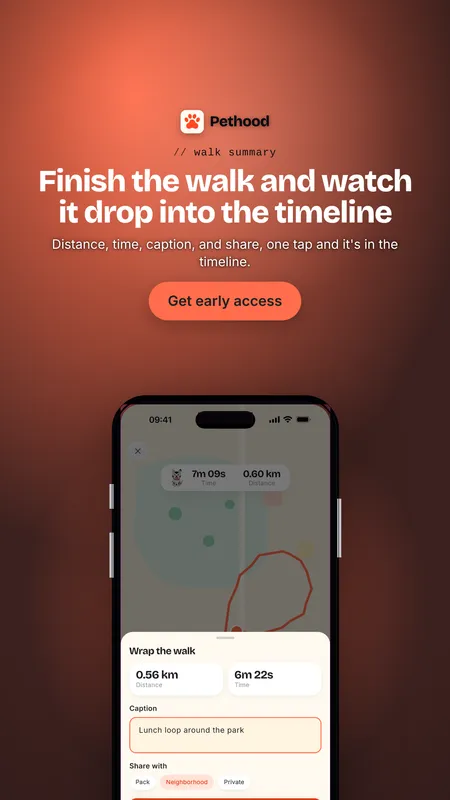
Real screens, framed like a designer would
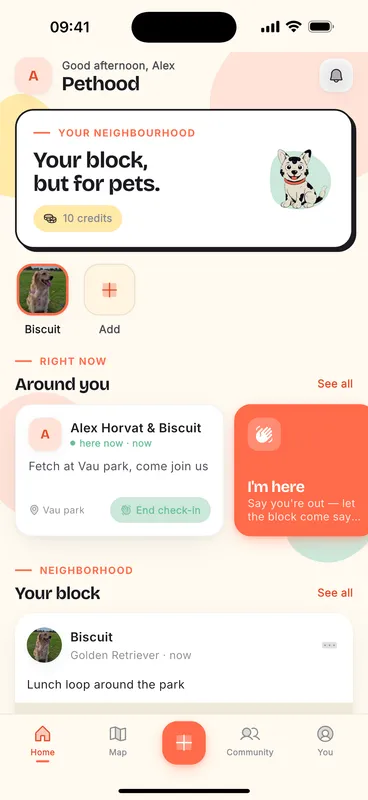
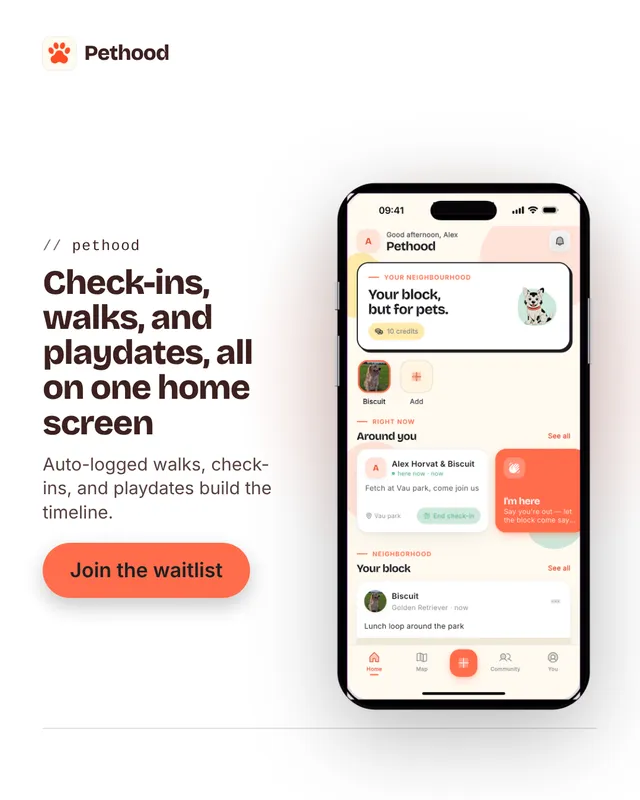
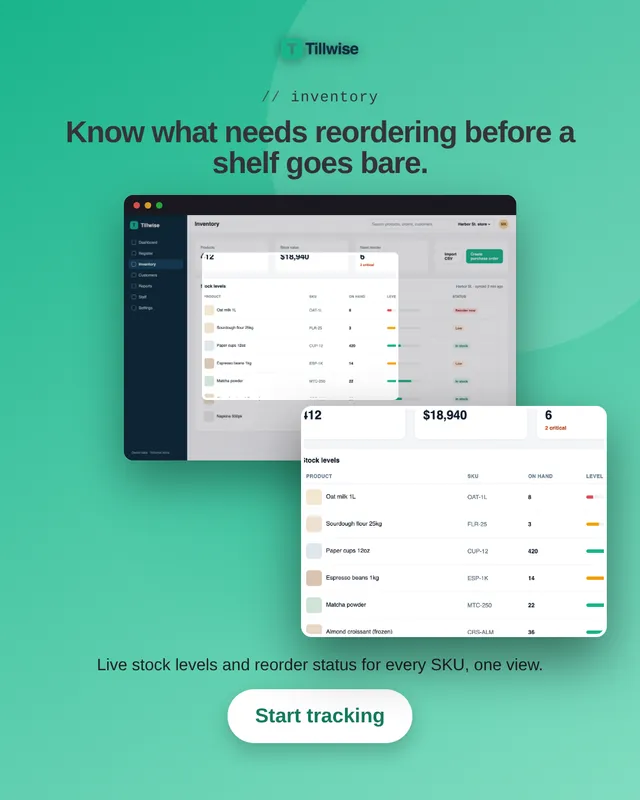
For an app, the screenshot is the product shot. Batchcraft composes ads around your real screens: placed in a clean device frame, shown whole, or with the part that matters pulled out as a zoomed callout and captioned in your brand's voice.
Nothing is faked. The UI in the ad is your actual UI, so the ad sets an accurate expectation and the install or signup that follows does not bounce on a mismatch.
Phone apps and web apps
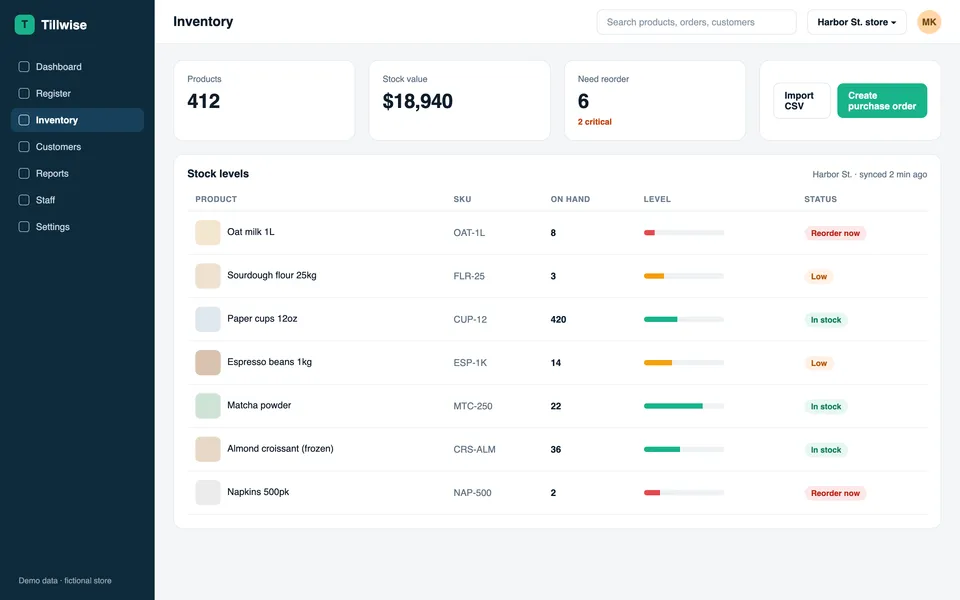
Mobile screens go into iPhone or Android frames. Desktop and web app screens (dashboards, admin panels, POS and back-office tools) go into a browser window, often with a zoomed crop of the table or chart that sells the feature. Mixed sets work too.
If you sell software to businesses, see the pages for SaaS dashboard ads and B2B software ads for more desktop examples.
Feature-led angles, not generic hype
The agent reads what each screen shows and writes the headline for that screen, not "unlock your potential" filler. A brand-safety check strips invented statistics, fake ratings and over-claims, so what ships is defensible.
Ask for a batch that leads with one feature and another that leads with a different one, and test which screen sells.
No screenshots yet? App Capture records them
Give Batchcraft your web app's address and a demo login. App Capture opens the app, signs in with the demo account and records real screens: 6 to 10 sharp desktop screenshots, phone-size shots and a few short screen recordings. They are saved to your brand kit and used in your ads and reels.
It only looks around. It never submits forms, sends messages or starts paid actions in your app. Use a demo account, not a real customer login. A capture costs 200 credits, refunded if nothing usable comes back. It works for web apps today; native mobile apps are not supported yet.
It works from the studio (Capture my app) and from Claude through the Neural Draft connector: ask Claude to capture your app, then to make ads from the screens.